
Support risk
The database depends on old versions, local files, unsupported code or a single knowledgeable user.
Access database replacement
Access databases often contain years of operational knowledge, but they can become difficult to support, scale, secure and integrate.
We help organisations assess, rebuild and migrate Access-based systems into modern platforms that preserve business logic while improving reliability, usability and reporting.
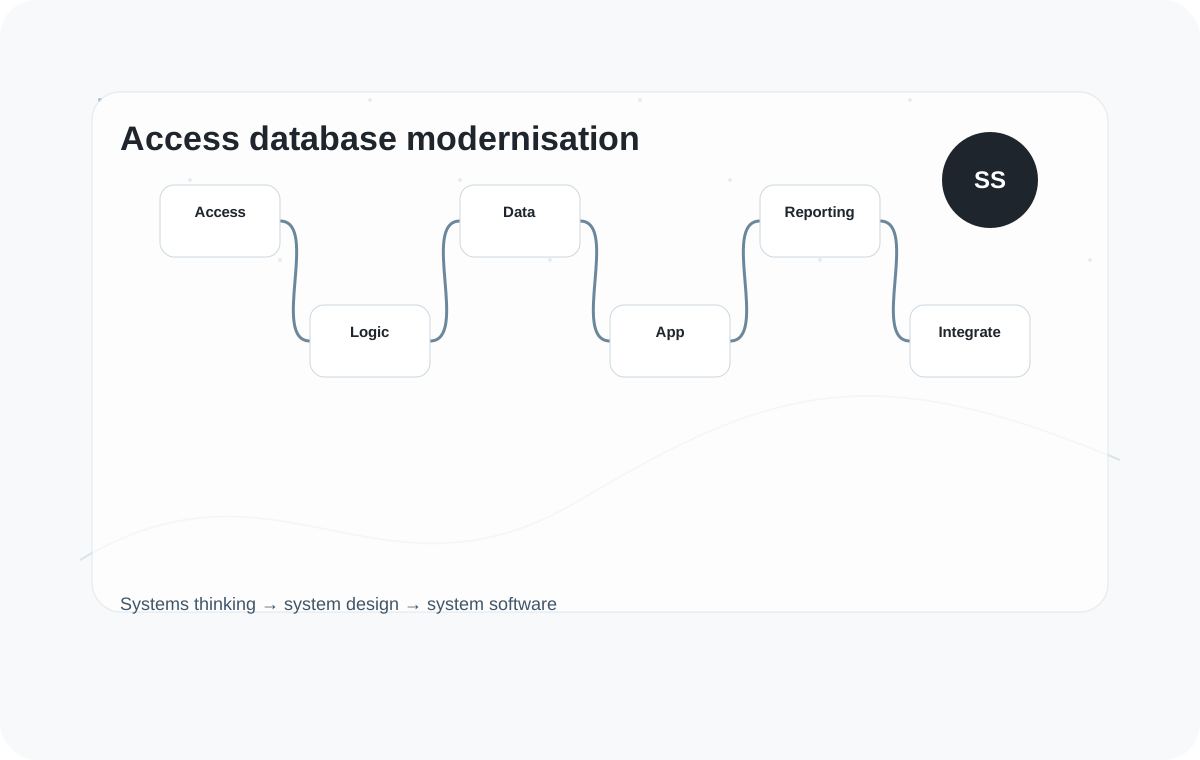
Legacy operational data
The risk is not only technical. It is the operational dependency on a system that few people understand and that may not be suitable for current scale, security or integration needs.
The database depends on old versions, local files, unsupported code or a single knowledgeable user.
Data structures, forms and reports have evolved over years without a clear architecture.
Users import and export data manually because the Access system does not integrate with other platforms.
Management needs better dashboards and visibility than the existing database can provide.
The system slows down as records, users or process complexity increase.
The business needs to evolve but the database is fragile, hard to modify or poorly documented.
Replacement approach
We start by understanding the process, data and reports that the Access database supports.
Review tables, forms, queries, reports, macros, VBA, users and business dependencies.
Capture the business rules and process knowledge embedded in the database.
Define a modern data model, application architecture, migration plan and reporting approach.
Create a supported web, cloud or Microsoft-aligned application that fits the operation.
Move data, validate outputs, support transition and plan future enhancements.
Outcomes
Replacement should reduce risk while improving usability, visibility and integration potential.
Move away from fragile, unsupported or locally dependent Access systems.
Create structured data and dashboards that support better operational decisions.
Enable integration, automation, security improvements and future AI-ready data foundations.
Related modernisation paths
Explore related pages if the database sits within a wider operational process.
FAQ
Access database replacement is the process of moving a business-critical Microsoft Access database to a more modern, reliable and maintainable system, such as a custom web application, cloud database, workflow platform or integrated business system.
It is worth considering when the database is slow, fragile, unsupported, difficult to secure, hard to integrate, dependent on one person or no longer able to support how the business works.
Yes. In many cases, an Access database can be replaced with a secure web application that provides better access, workflows, reporting, permissions and integration options.
Not always. A staged replacement can reduce risk by moving the most important workflows first, running systems in parallel where needed and improving the system over time.
Yes. A modern replacement can be designed to integrate with ERP, CRM, WMS, finance, cloud, reporting or other operational systems where suitable.
Poor documentation is common. We can review the database, tables, queries, forms, reports, users and workflows to build a clearer understanding before planning replacement or modernisation.
Yes. We can assess the existing structure, clean and map data, migrate records and validate outputs against the old system.
Sometimes, but not automatically. We usually preserve the business logic while improving usability, workflow, security, reporting and integration.
It depends on the process. Options can include a bespoke web application, Microsoft-aligned platform, SQL database, Power Platform component or hybrid approach.
Cost depends on the size of the database, number of users, workflows, data migration, reporting needs and integrations. Focused replacement projects often sit in the £20k–£50k range, with retained support available for ongoing improvement.
Modernise safely
We can help you assess what it does, what needs preserving and the safest replacement route.
Book an Access replacement assessment